IPTV player for Android TV
Tuna IPTV runs on Android TV with the same interface and the same feature set as the Apple TV version. Add the playlist from your provider, navigate with the D-pad on your remote, and watch.
Tuna does not include any channels. It is a player: you bring the M3U, M3U8 or Xtream Codes playlist from your own IPTV provider, and Tuna plays it. We have no relationship with any provider and we do not host, index or supply streams.
The same app, on your TV
There is no cut-down Android edition. Playlists, search, favorites, EPG, sorting and the Single Stream player all work exactly as they do on Apple TV. If you run Tuna on more than one platform, everything is where you expect it.
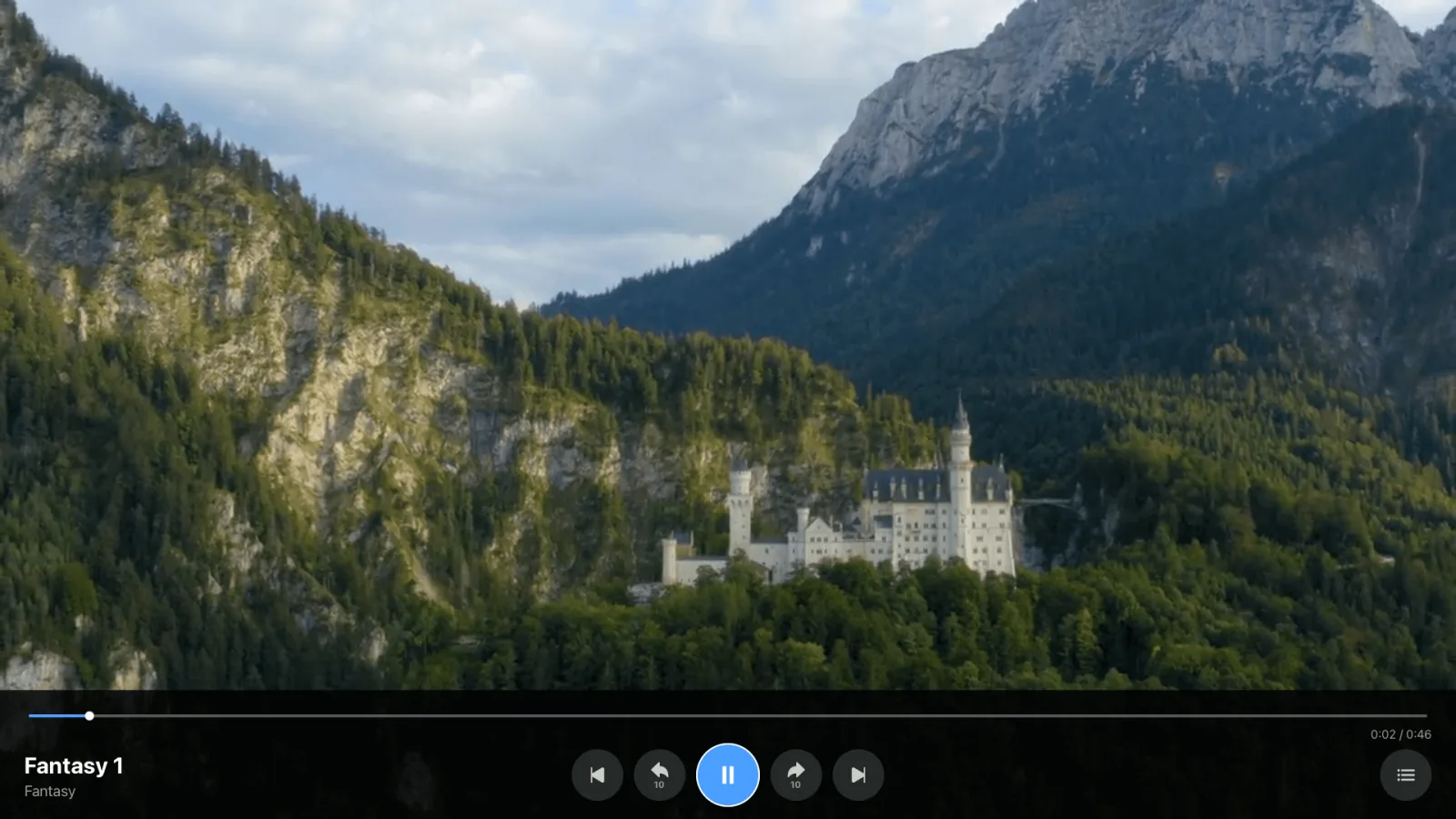
The interface is built around remote navigation: large focus targets, clear focus highlights, and text that is readable across a room rather than at desk distance.
Everything in the app
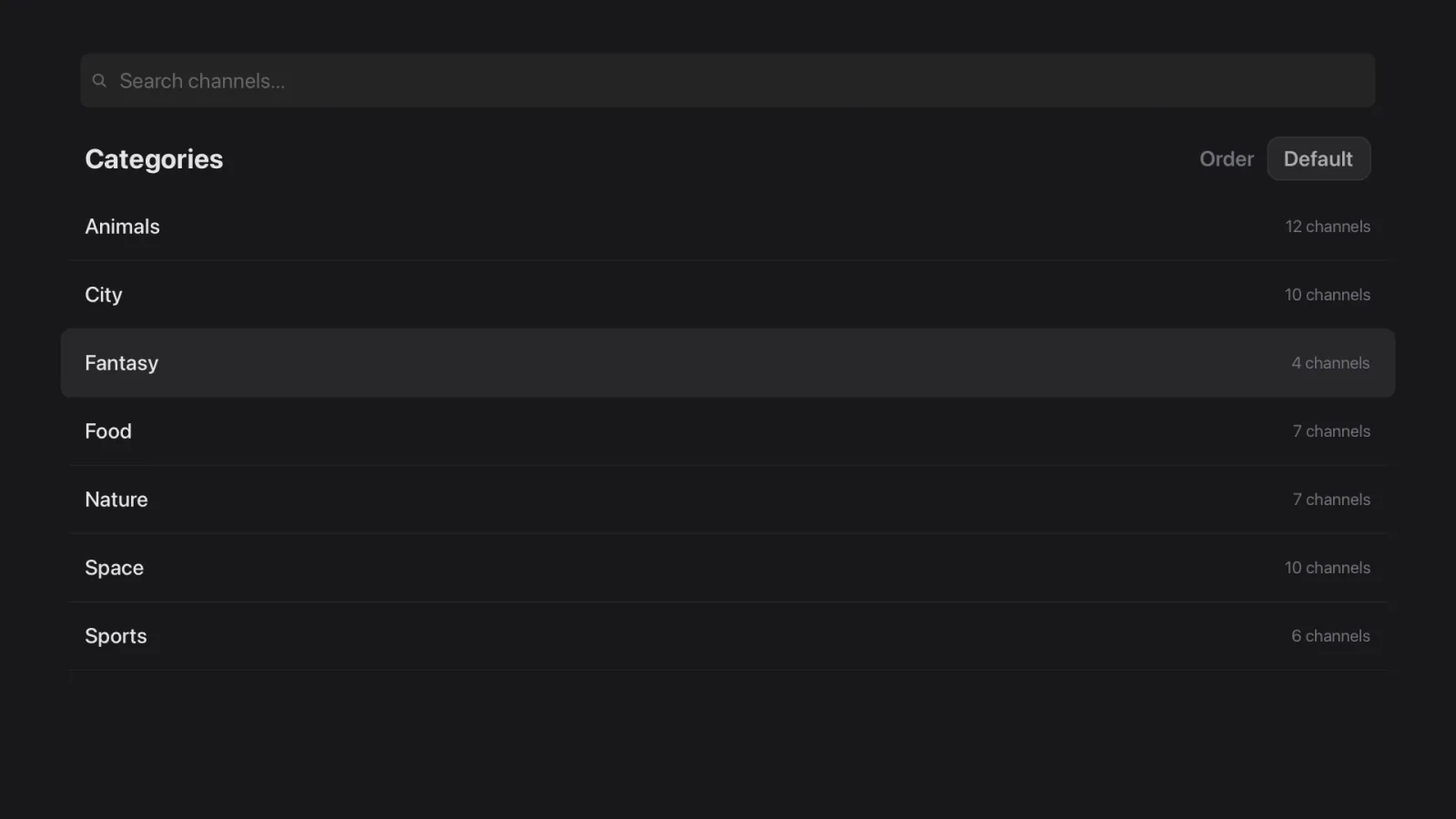
Browse by category
Channels are grouped the way your playlist provides them, with a grid of categories to move through.
Search everywhere
Search across the whole playlist or inside one category. Recent searches are kept so you can repeat them.
Favorites and recents
Mark the channels you actually watch and they float to the top. Recents are always one step away.
Multiple playlists
Add as many M3U or Xtream Codes playlists as you like, refresh them on demand, or remove one you no longer use.
Tidy up the list
Hide or rename categories, merge duplicate channels, and remove entries you will never watch.
Sorting that sticks
Sort alphabetically, by most recently watched, or keep the original order from your playlist.
Single Stream
Paste one direct stream URL and play it immediately, without creating a playlist.
XMLTV EPG
Connect an XMLTV EPG source to see what is on now and what is coming up on each channel.
Light and dark themes
Follow the system appearance, or pin the app to light or dark yourself.
Continue watching
A row of what you had on recently, so you can carry on without hunting for it.
Hide what you never watch
Hidden channels stay out of the way and can be restored at any time.
Duplicate scanner
Find channels your playlist lists more than once and clean them up in one pass.
Resume playback
Tuna offers what you were last watching when you open it, and can jump straight back into your last channel on launch.
Full guide grid
Open a scrollable timetable of the next six hours and take in the whole evening at a glance.
Getting started
- Install Tuna IPTV from Google Play on your Android TV device.
- Open My Playlists and add your first playlist.
- Paste your M3U URL, or switch the source to Xtream Codes and enter your server, username and password.
Step by step: add an M3U playlist or sign in with Xtream Codes. The FAQ answers the rest.
Get Tuna IPTV on Android TV
Free, with every feature included. Bring your own playlist.