How to add an M3U playlist to Tuna IPTV
An M3U playlist is the link your IPTV provider gives you. It lists the channels and where to fetch each stream. Tuna downloads that list once, caches it on the device, and shows you the channels. Here is the whole process.
What you need first: an M3U or M3U8 URL from your own IPTV provider. Tuna is a player and does not supply playlists or channels. If you do not have a link yet, there is nothing for the app to play.
Open My Playlists
Launch Tuna IPTV. The top row of tabs is My Playlists, Favorites, Single Stream and Settings. On a fresh install you land on a welcome screen with a single button: Add Your First Playlist.
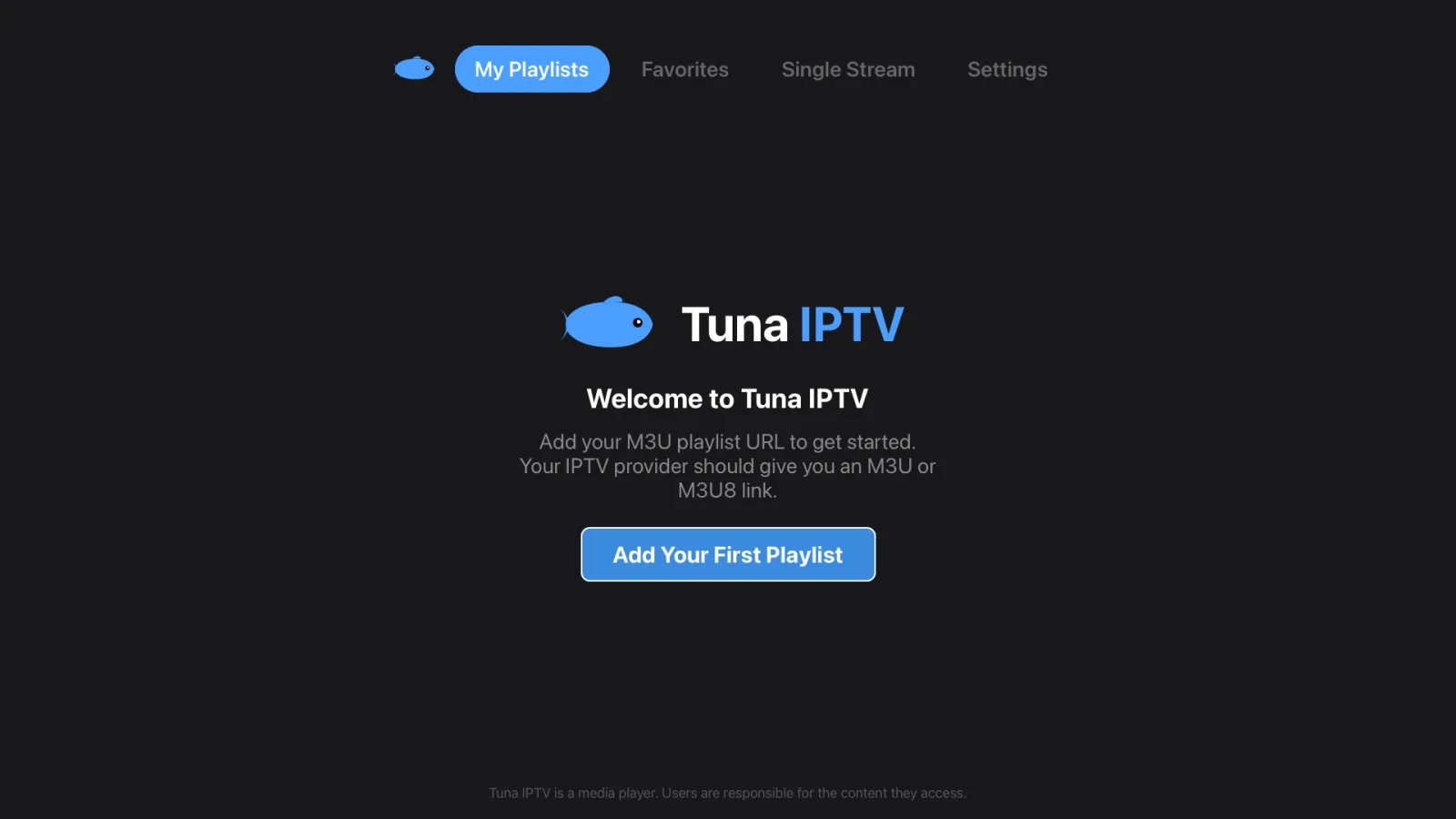
Already have a playlist and want another? Open the same My Playlists tab and choose to add one there.
Fill in the New Playlist form
The form has a Source switch at the top. Leave it on M3U URL, then fill in:
- •Name — anything you like. It is only a label, so use the provider's name if you juggle several.
- •URL — paste the full M3U or M3U8 link, including
http://orhttps://. - •Color — a tag colour that makes the playlist easy to spot in the list.
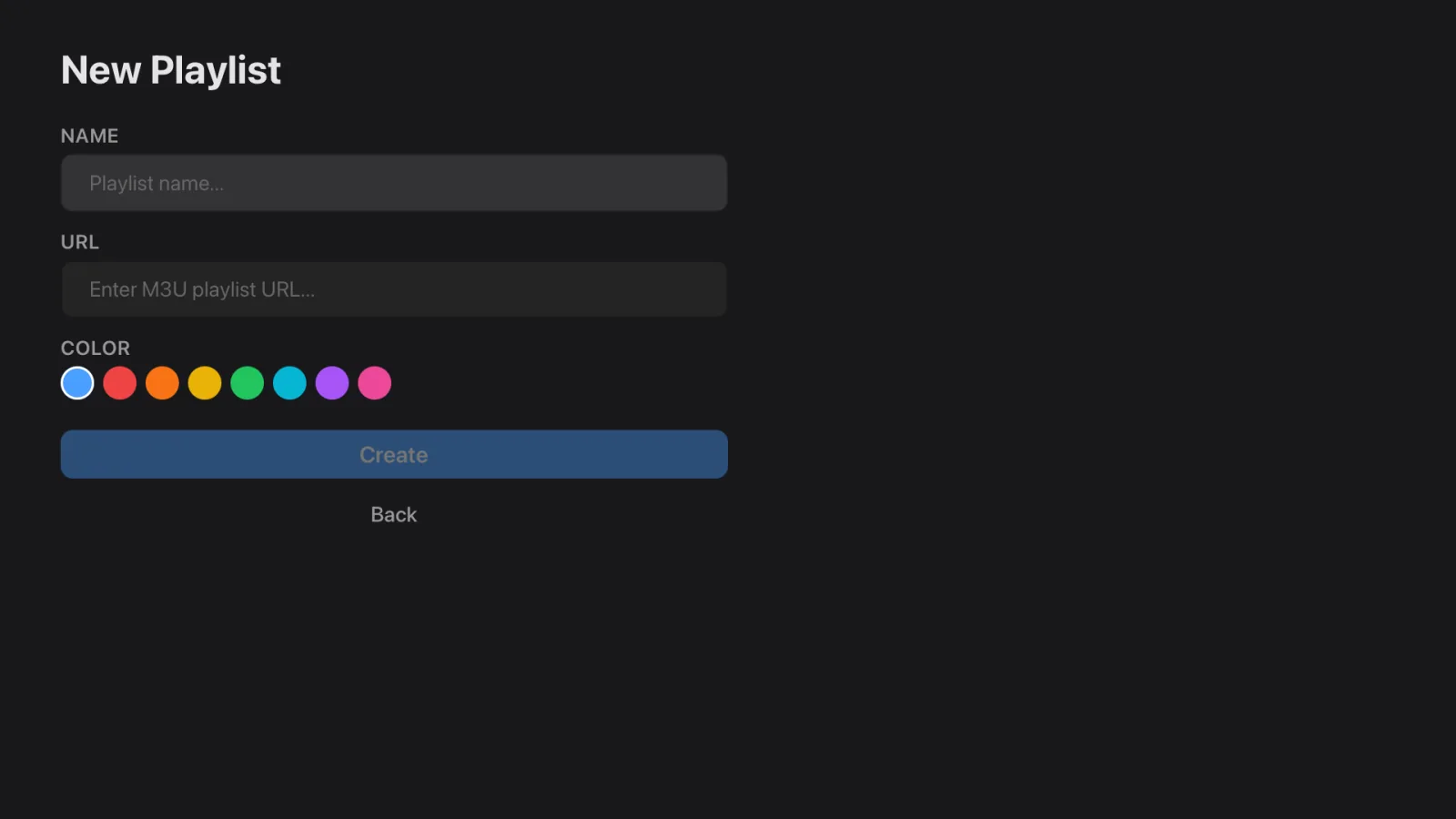
Press Create. Tuna fetches the playlist and stores it locally.
Check that it loaded
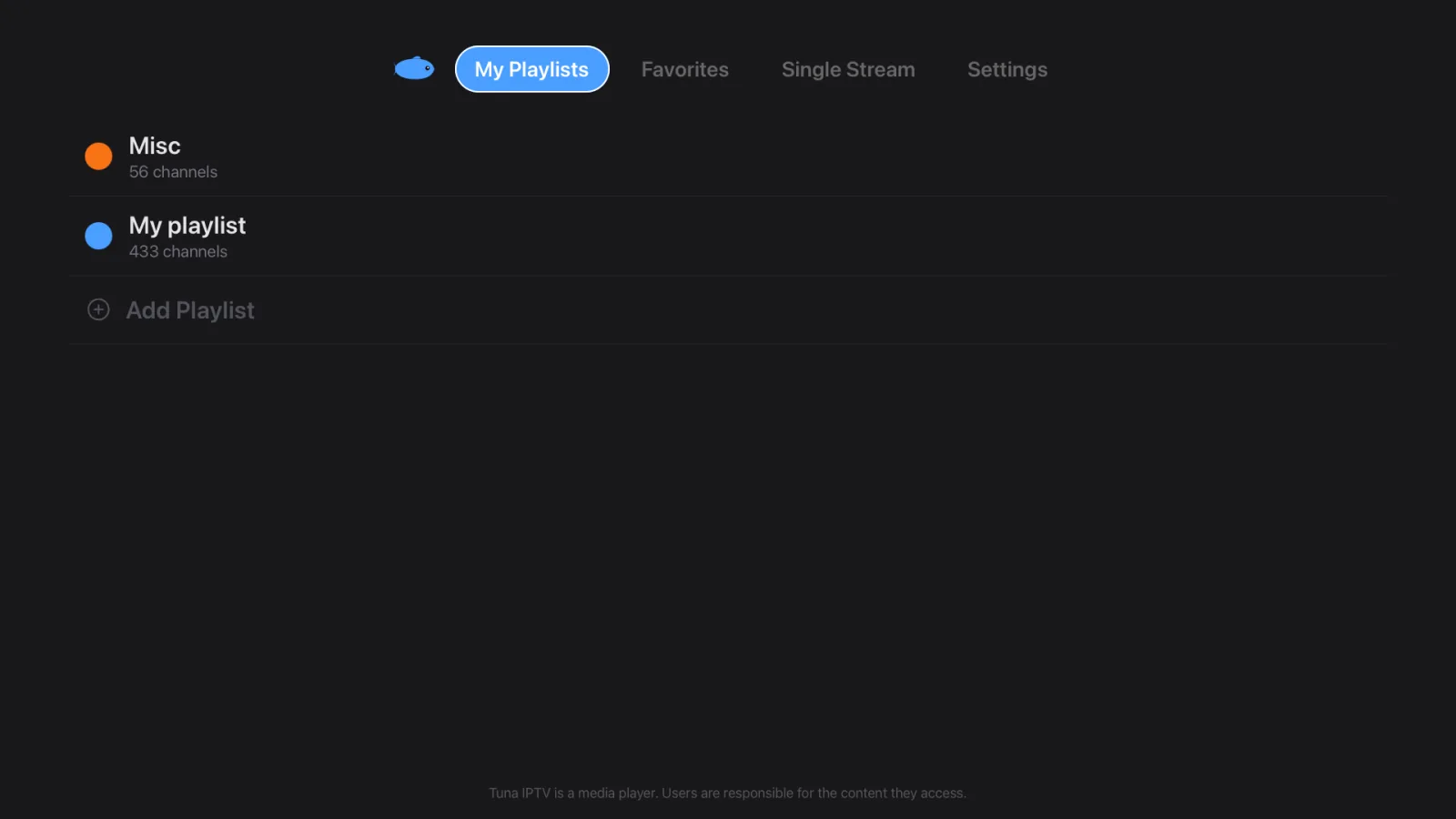
Your playlist now appears in My Playlists with its colour tag. Add another whenever you want — there is no limit, and switching between providers takes one tap instead of re-entering anything.
Start watching
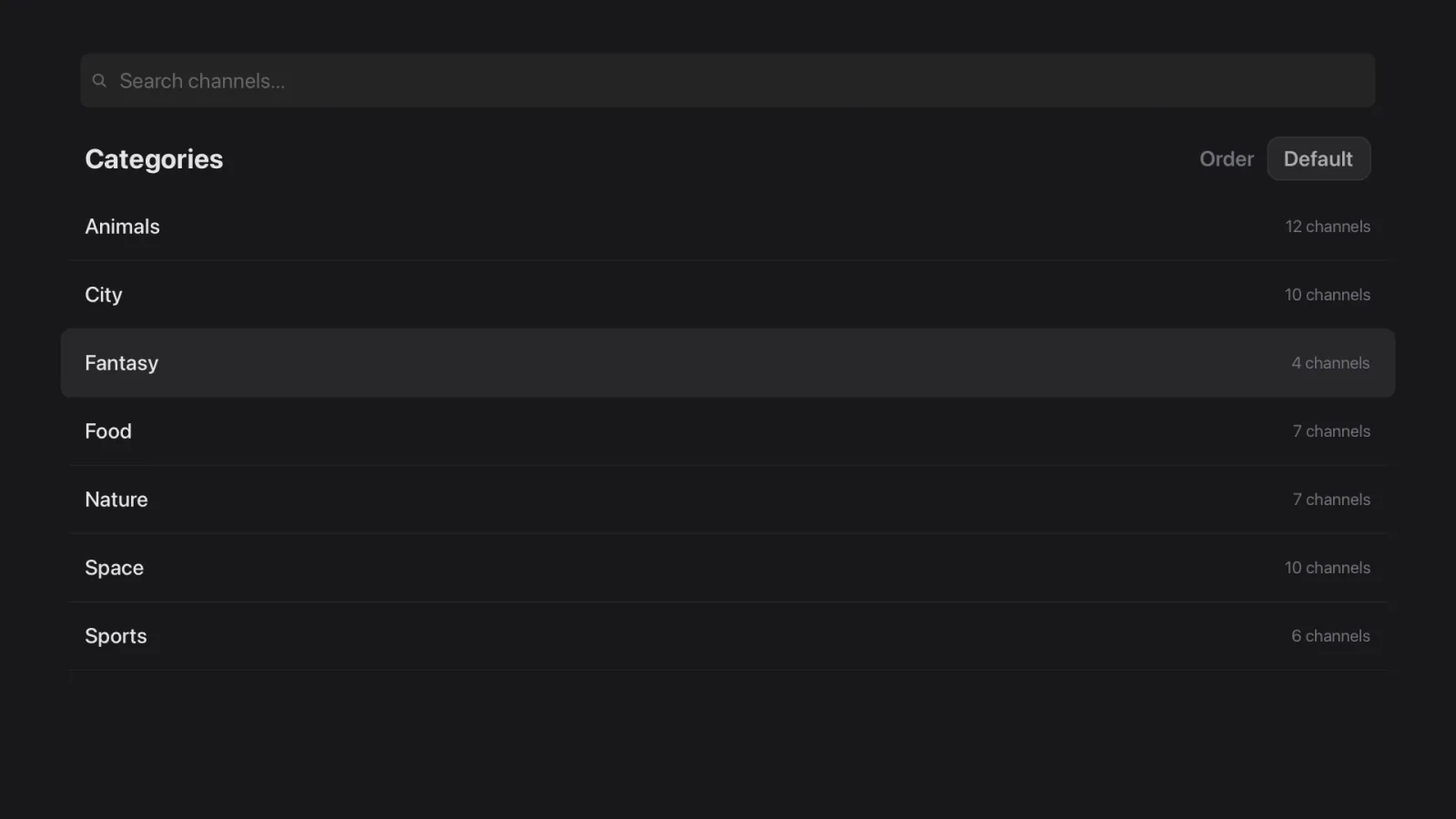
Open the playlist to see your categories. From here you can search across every channel or inside one category, switch between list and grid layouts, and tap a channel to play it.
Managing playlists later
- •Refresh when your provider adds or removes channels — Tuna re-fetches the list on demand.
- •Remove a playlist you no longer use, without touching the others.
- •Tidy the list by hiding or renaming categories, merging duplicate channels and removing entries you never watch.
If the playlist will not load
- •Check the link in a browser first. If it does not download a file there, the problem is with the link, not with Tuna.
- •The URL must be reachable from the device. A link that works on your laptop will fail on the TV if the TV is on a different network or a VPN.
- •M3U and M3U8 are both fine. The file extension does not need changing.
- •Watch your provider's connection limit. Many plans allow one or two devices at a time; a stream open elsewhere can block a new one.
Next
Using a provider that gave you a server address and login rather than a link? Follow the Xtream Codes guide instead. Other questions are answered in the FAQ.
Get Tuna IPTV
Free, with every feature included. Bring your own playlist.