
Tuna IPTV
Your living room
deserves better IPTV.
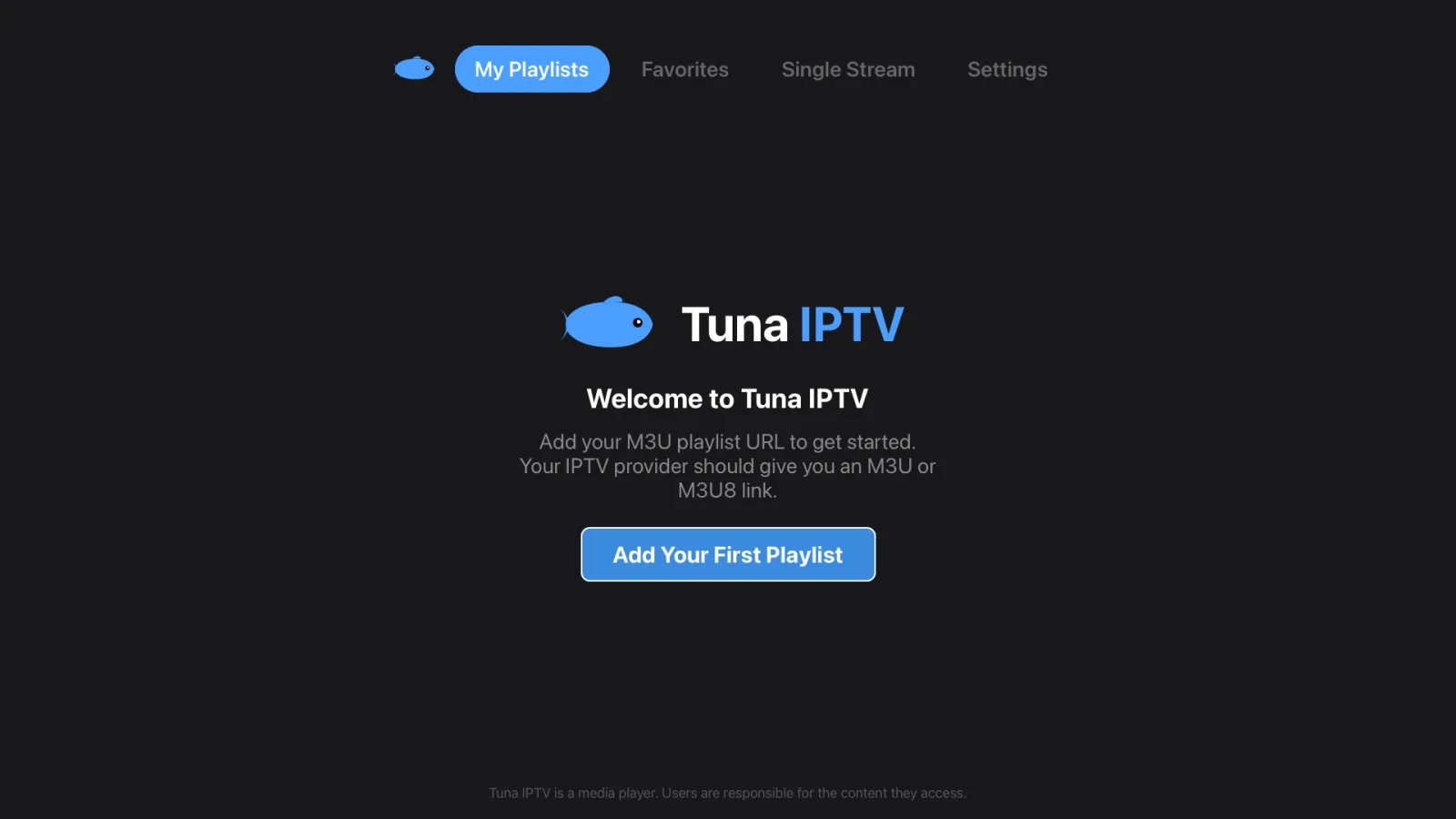
Tuna is a premium IPTV player built for the big screen. Beautiful interface, instant channel switching. Tuna doesn't include any channels — you add the M3U, M3U8 or Xtream Codes playlist from your own provider and watch.
Built for the big screen.
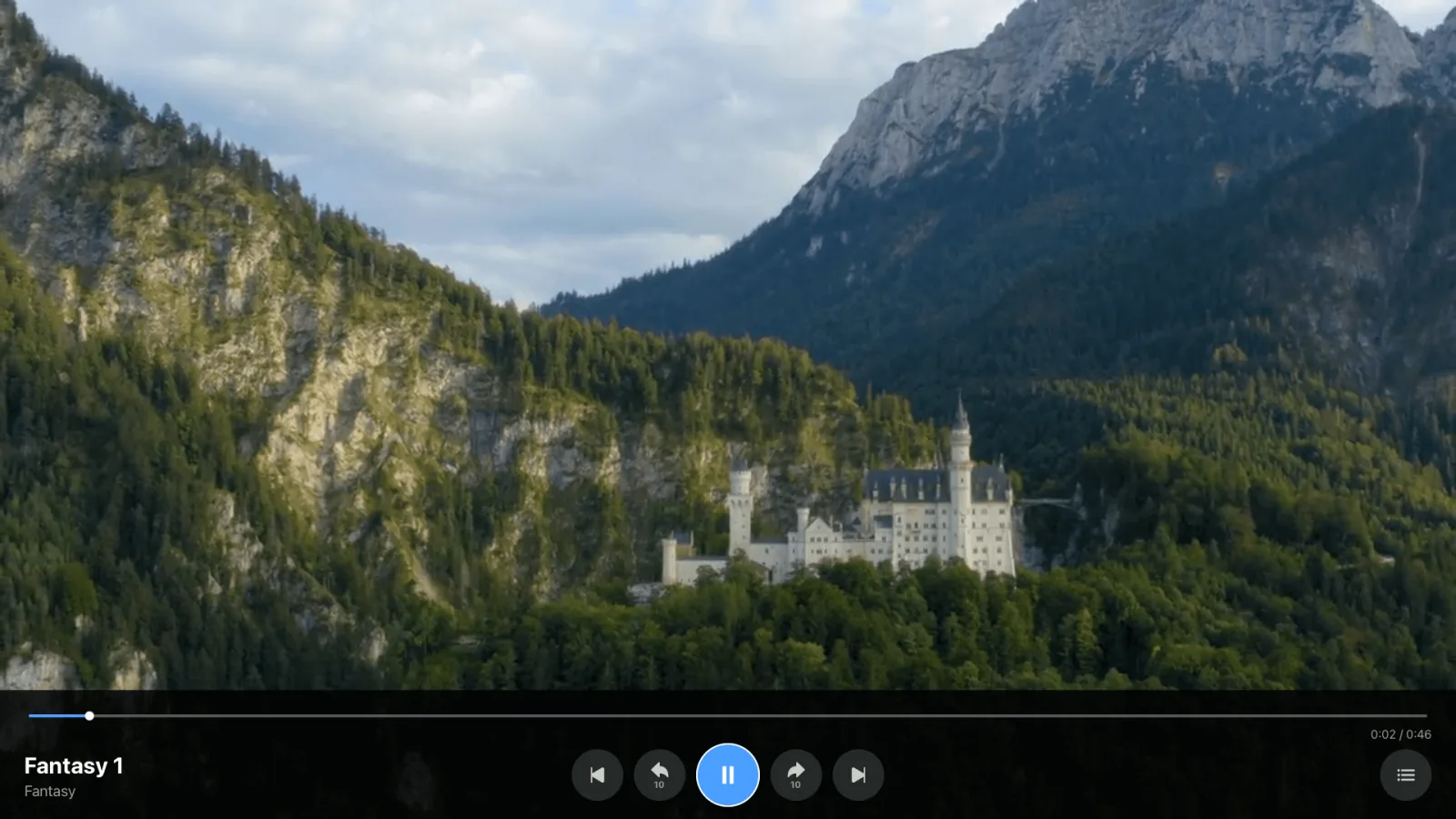
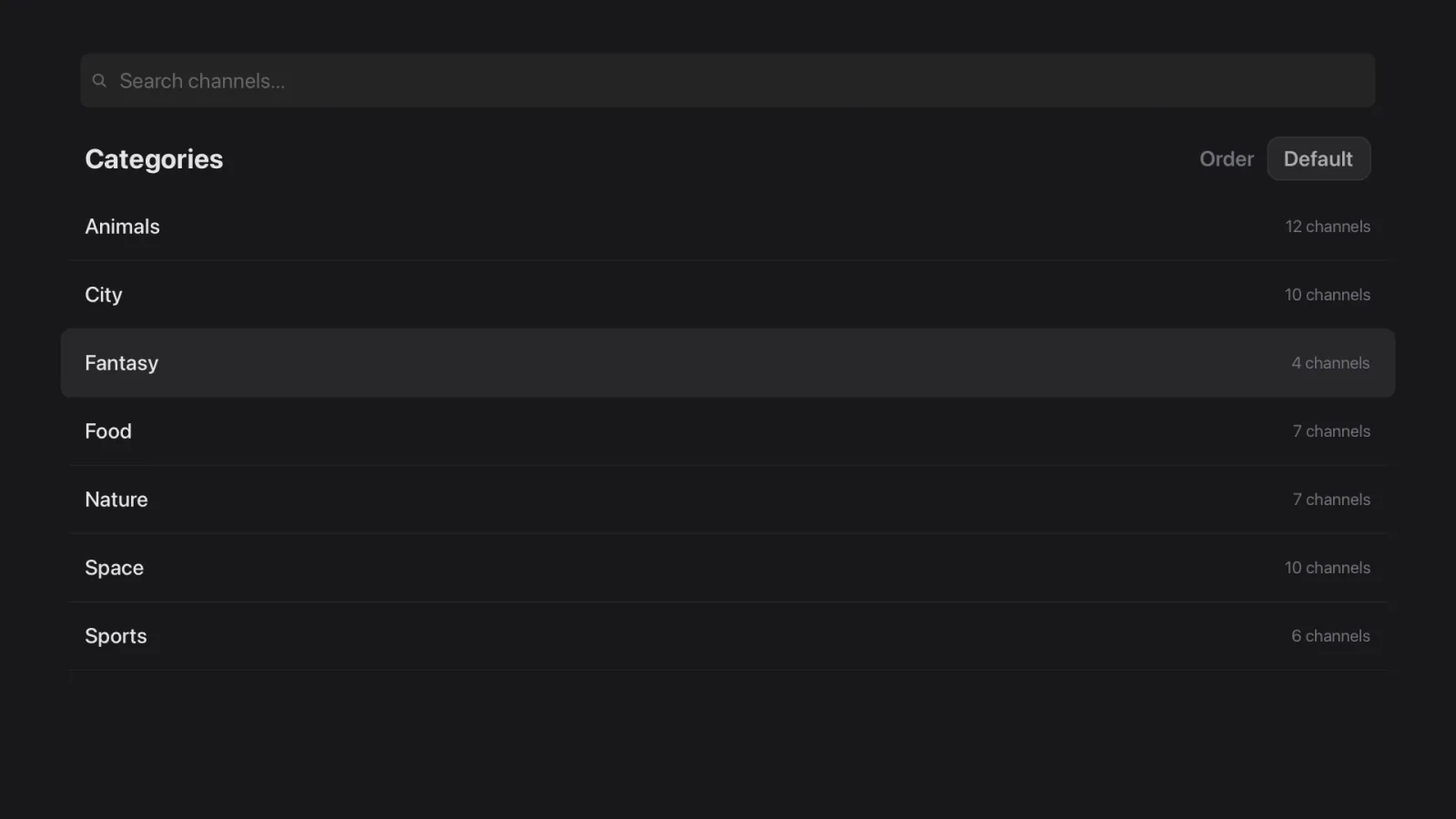
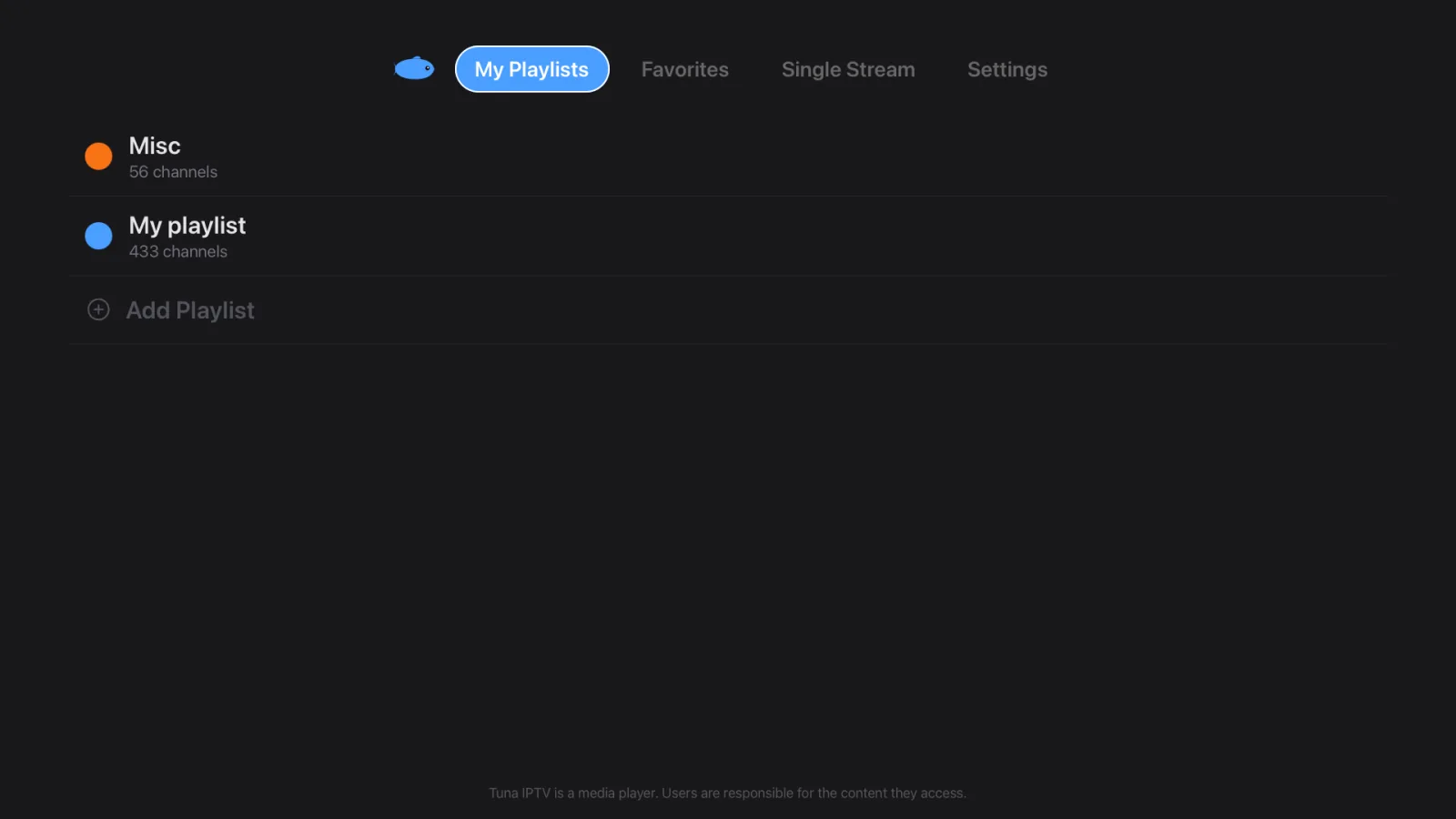
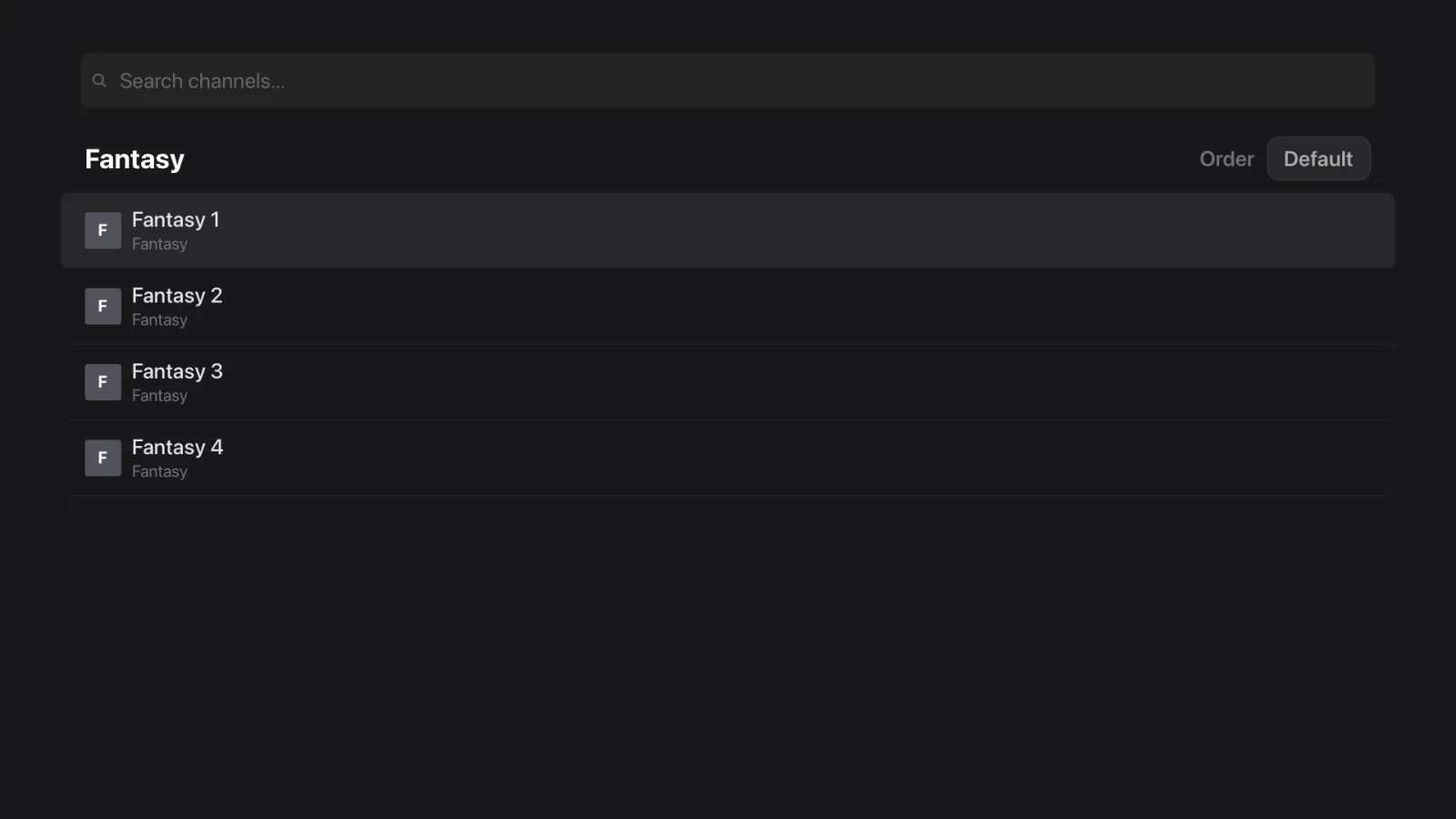
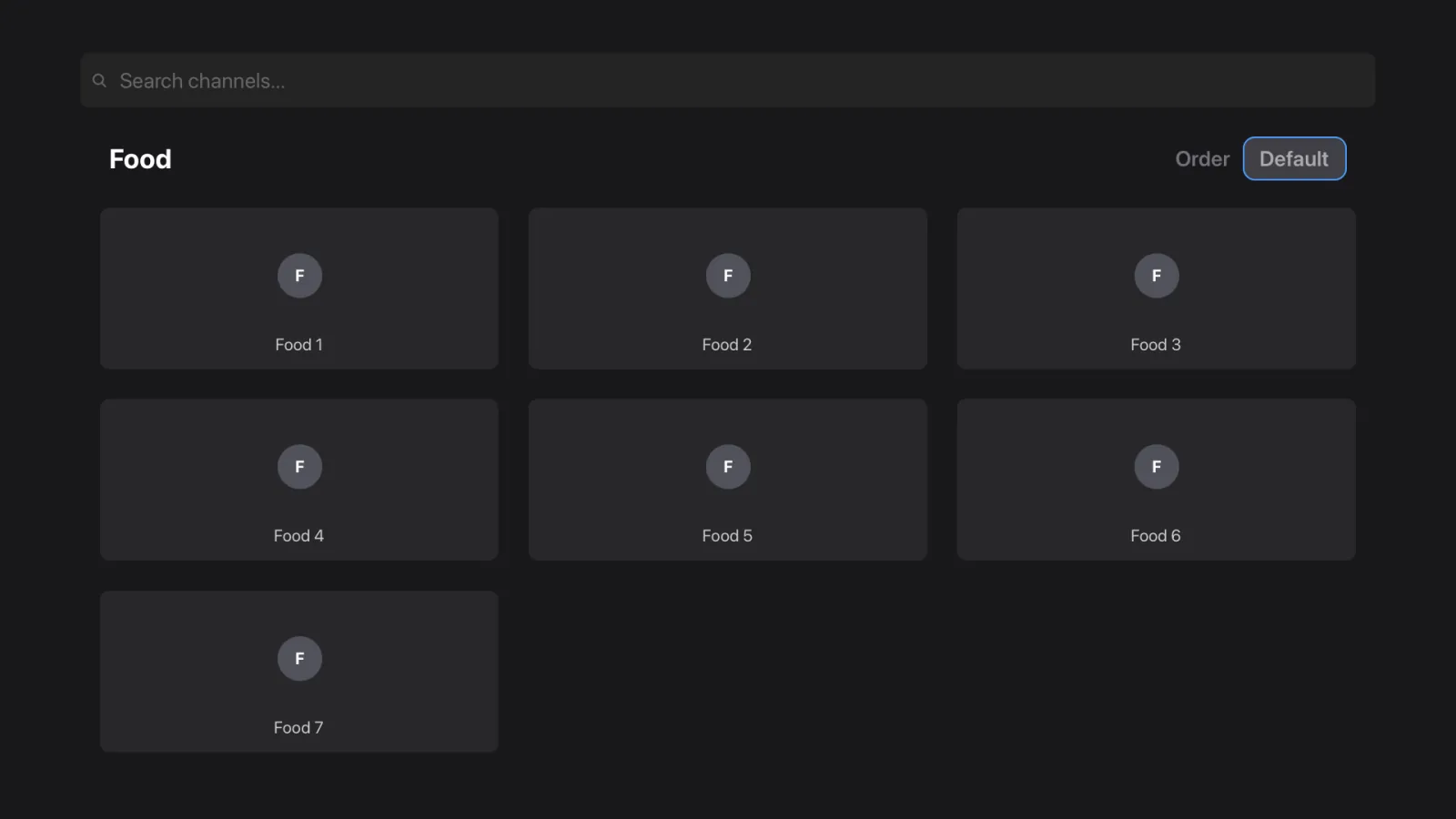
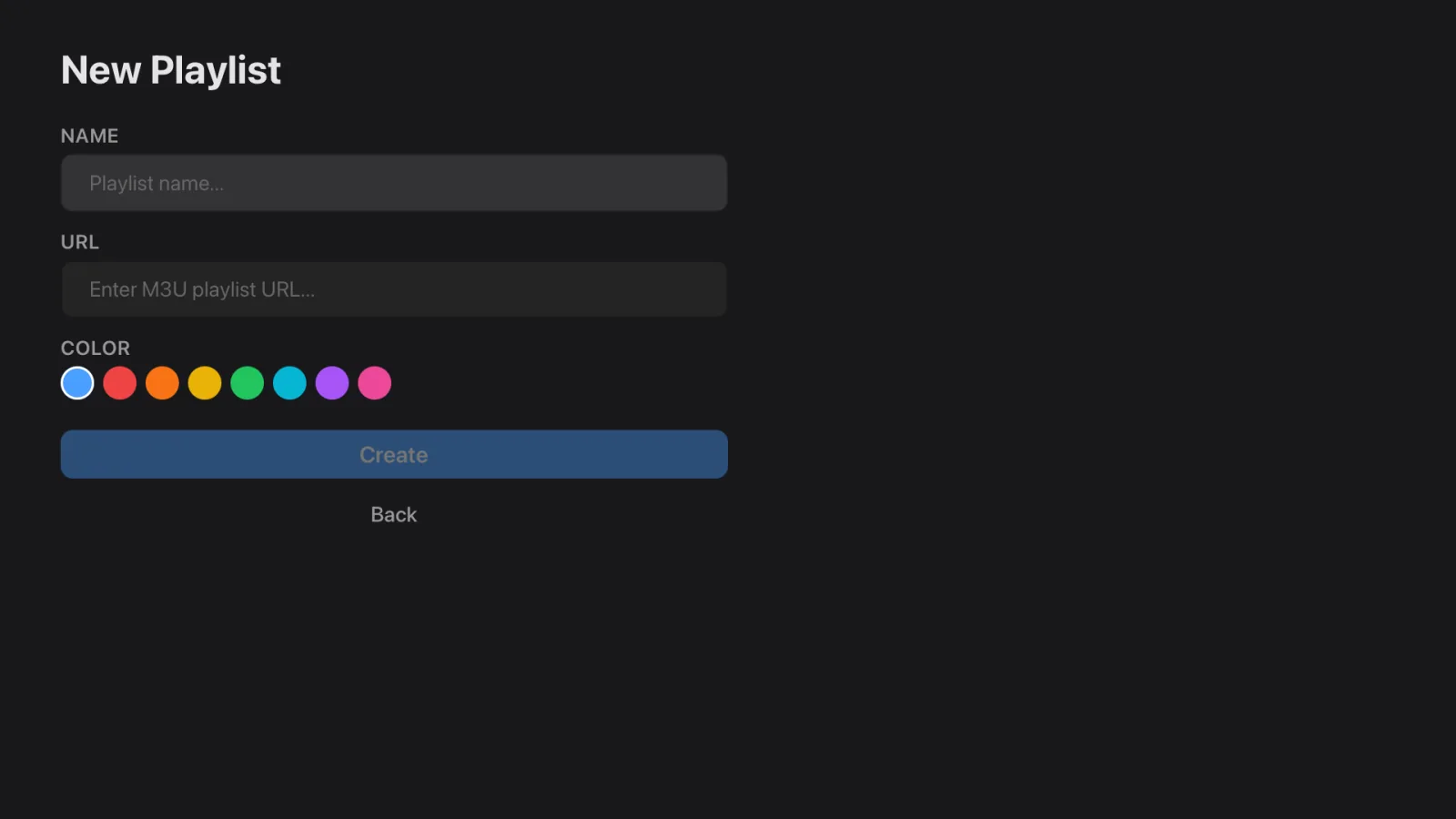
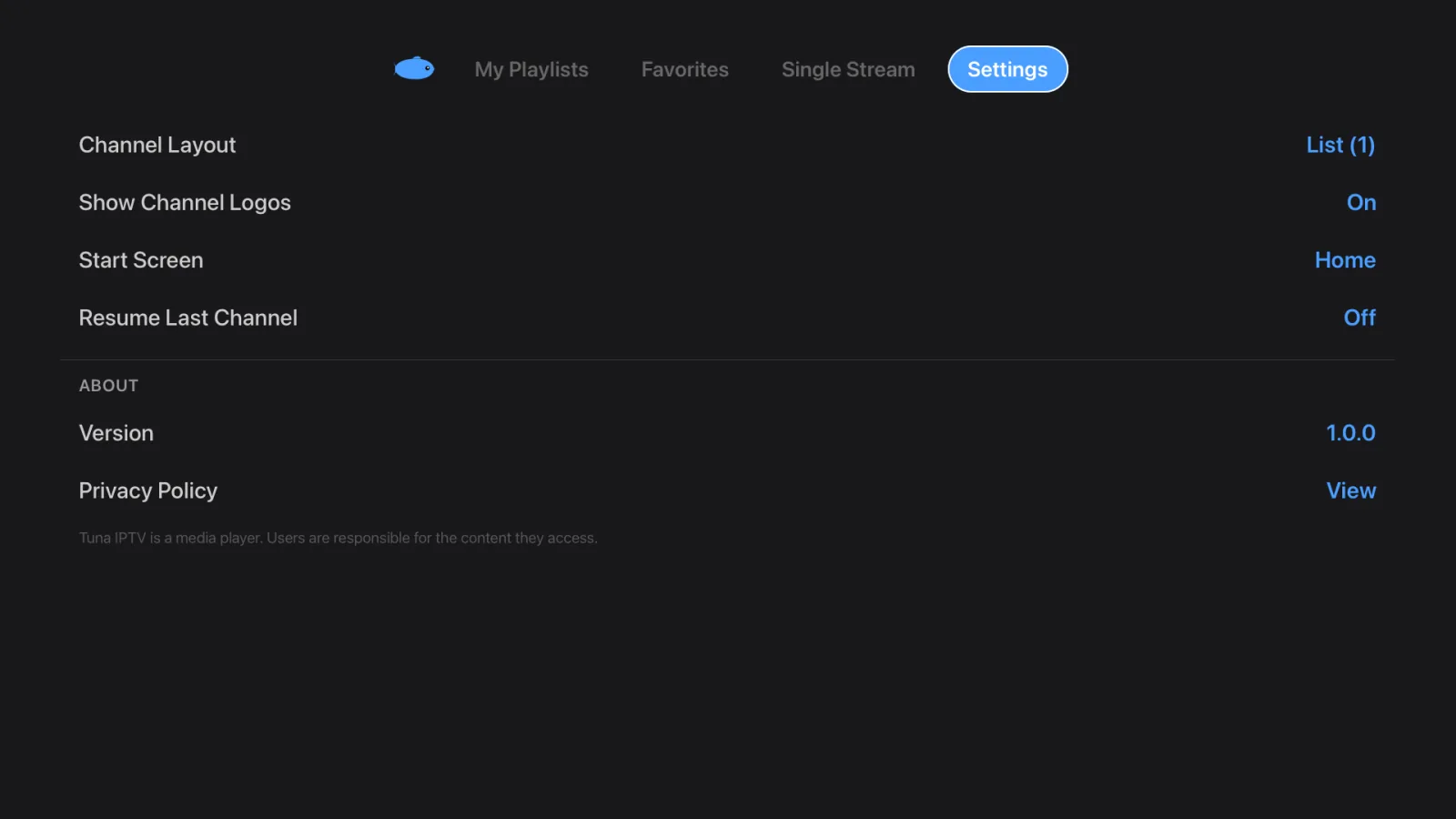
Real screenshots from Tuna IPTV on Apple TV.
Everything you need.
Nothing you don't.
Browse. Tap. Watch.
Navigate channels by category or search across your whole playlist — and inside a single category too, with your recent searches kept. Switch between list and grid layouts and tap to play instantly.
Made for how you watch.
Flip between list and grid layouts. Toggle channel logos. Set your start screen. Resume the last channel on launch. Tuna fits your routine.
All your playlists. One app.
Import multiple M3U playlists by URL. Tuna caches them locally and lets you refresh or remove playlists anytime. Switch between providers in seconds — no re-entering credentials or juggling apps.
Your channels, your way.
Favorites float to the top. Dead streams get auto-hidden. Sort by name, number, or recently watched. Hide duplicates and channels you'll never use to keep your list clean.
Lean back and flip.
Enter fullscreen and swipe through channels one by one — just like cable, but better. Use your remote to zap up and down. Press select to bring back the browser.
Designed for your biggest screen.
Every pixel is intentional. Dark zinc palette, blue accents, smooth focus animations — built from scratch for every screen, from iPhone to Apple TV to Android TV. Text is readable from the couch, buttons are sized for a remote, and focus states are always crystal clear.
Plug in. Play. Done.
Tuna auto-converts Xtream Codes streams to HLS for native playback. Your channel list is cached locally so the app launches instantly — no loading spinners, no waiting for your playlist to download again.
See what's on. And what's next.
Paste an XMLTV guide URL and Tuna shows what's on now and what's next on each channel. On Apple TV, Android TV and iPad you also get a full six-hour guide grid. Your provider supplies the link, and it costs nothing to use.
Pick up where you left off.
Tuna remembers what you were watching and offers it the moment you open the app. Set it to jump straight back into your last channel on launch if you prefer.
Three steps to better TV.
Add your playlist
Paste your M3U or M3U8 playlist URL, or sign in with your Xtream Codes server, username and password. Tuna fetches and caches everything locally.
Where do you get a playlist? From your IPTV provider. Tuna never supplies one.
Browse & discover
Explore channels by category, search by name, or connect an XMLTV EPG source to see what's on now and what's coming up.
Watch in style
Tap to play and go fullscreen. Next time you open Tuna, pick up right where you left off.
Free. All of it.
Every feature, on every platform.
Free
- Unlimited M3U and Xtream Codes playlists
- XMLTV EPG programme guide
- Favorites, recents and search
- Single Stream player
- Resume where you left off
- Apple TV, Android TV, iPhone and iPad
A Pro tier with priority support is planned. We'll announce it here and in the changelog.
Ready to upgrade your TV?
Free on Apple TV, Android TV, iPhone and iPad. Bring your playlist.